
.BsZqRLJO.svg)
.gyg8rysE.svg)
Connect
Link your Google Sheet or other data source in seconds.
Connect your Google Sheets and instantly get a shareable, interactive dashboard that updates automatically — no code, no design work. When you edit your sheet, the dashboard stays in sync so everyone sees the latest numbers.
Three steps from spreadsheet to a dashboard you can share with a link.
Link your Google Sheet or other data source in seconds.
AI scans your sheet and suggests the right charts, metrics, and layout automatically.
Publish a live dashboard anyone can view — or just keep it for yourself. No installs, always up to date.
Have questions? See our FAQ. Want to dig deeper? Read more on our blog.
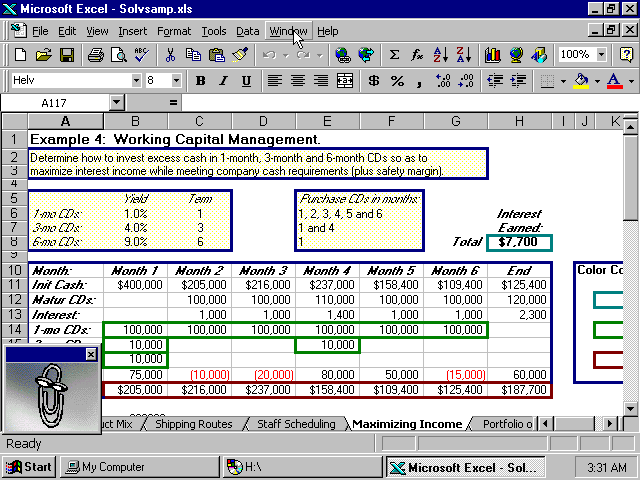
After
Live
Article
Power BI is powerful, but it is not always the right fit. Here is an honest look at simpler alternatives and what each one is actually good at.
Dave from Sheetglow
Author
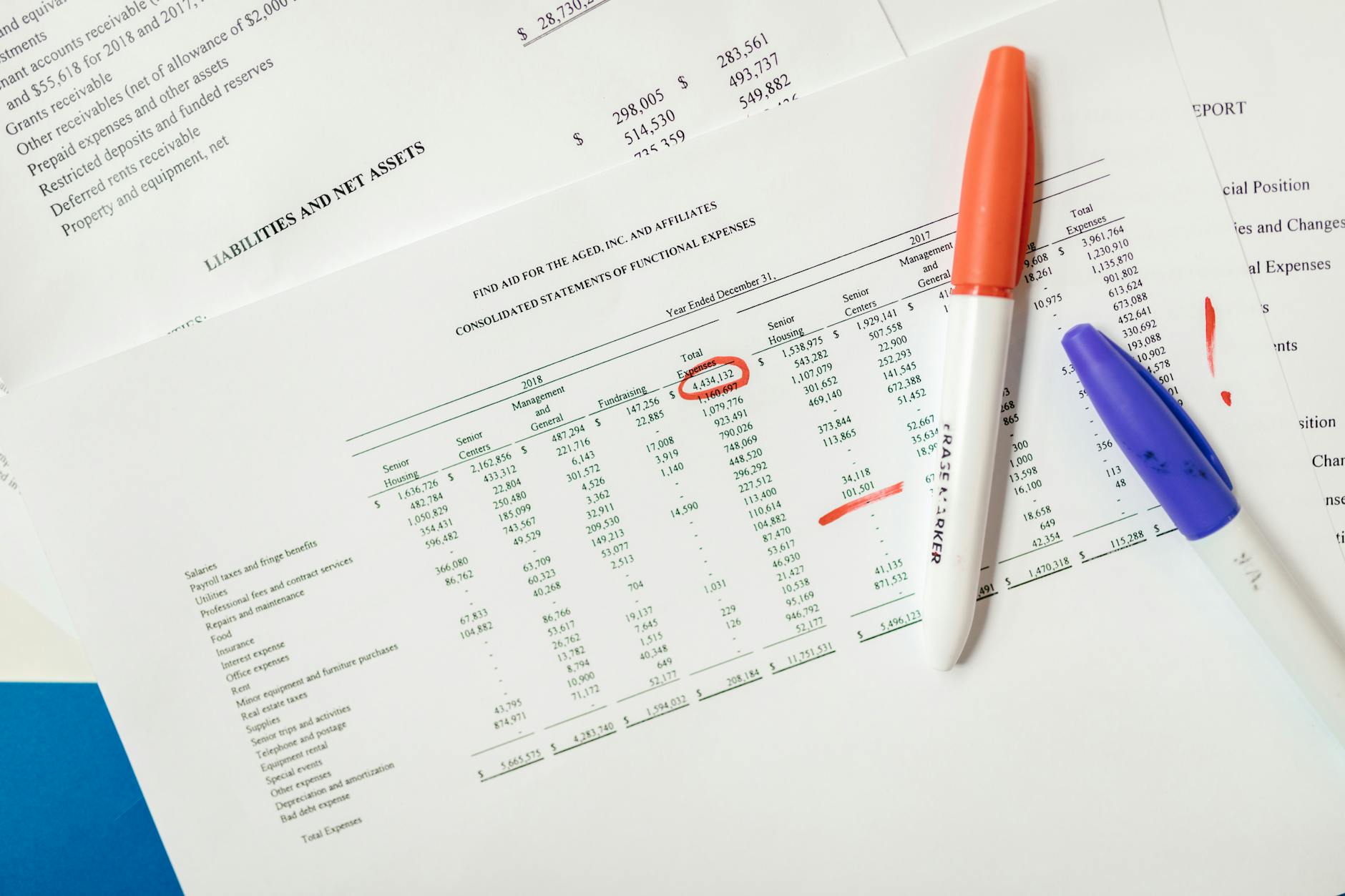
Article
Conditional formatting in Google Sheets is more powerful than most people realize. Here is how to use it to highlight key data and build better-looking reports.
Dave from Sheetglow
Author
Article
Pivot table showing wrong totals, missing data, or throwing errors? Walk through the most common causes and exactly how to fix each one.
Dave from Sheetglow
Author
Join the waitlist and get 3 months of Pro free. Questions? Check our FAQ.